Smart Interactive Whiteboard: Advanced Digital Collaboration Solution for Education and Business

DANACOID Global Intelligent Manufacturing Center
+86 15251612520
9am - 6pm
Call for help:+86 15251612520 Mail us:[email protected]

Get a Free Quote

Our representative will contact you soon.
Email
Name
Company Name
Message
0/1000

smart interactive white board

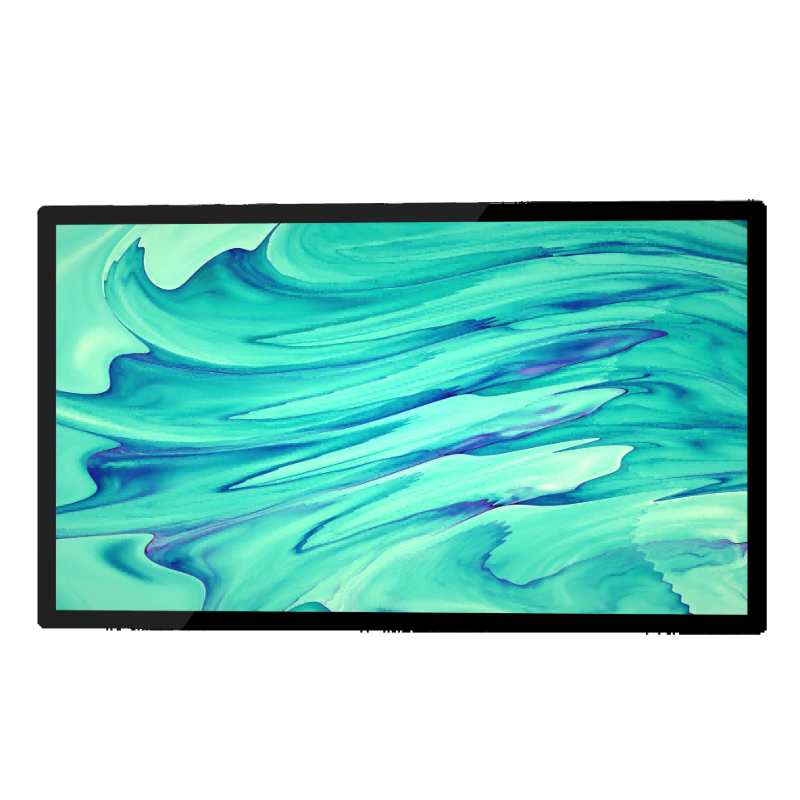
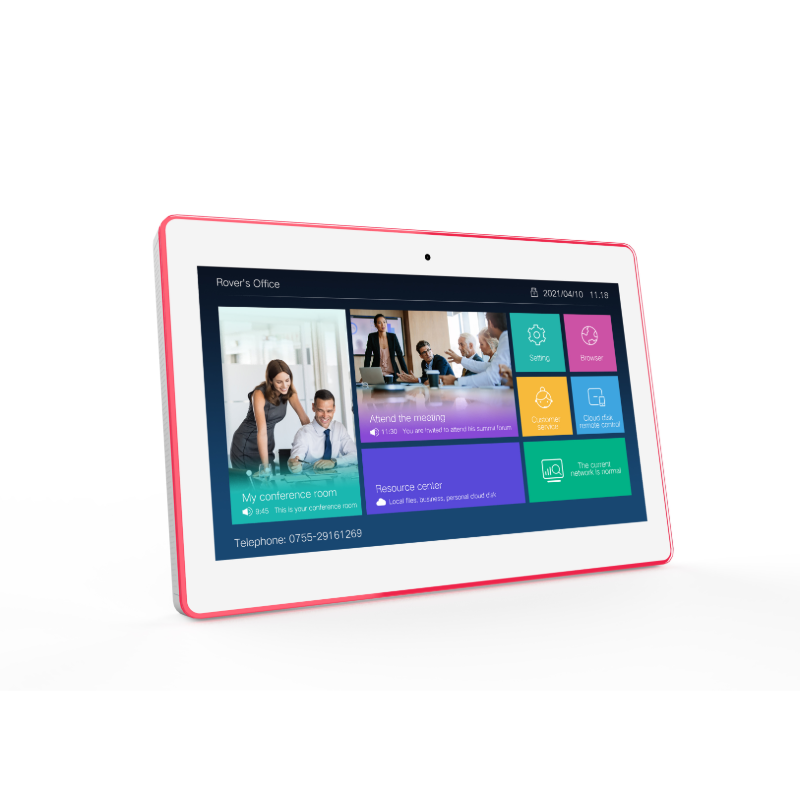
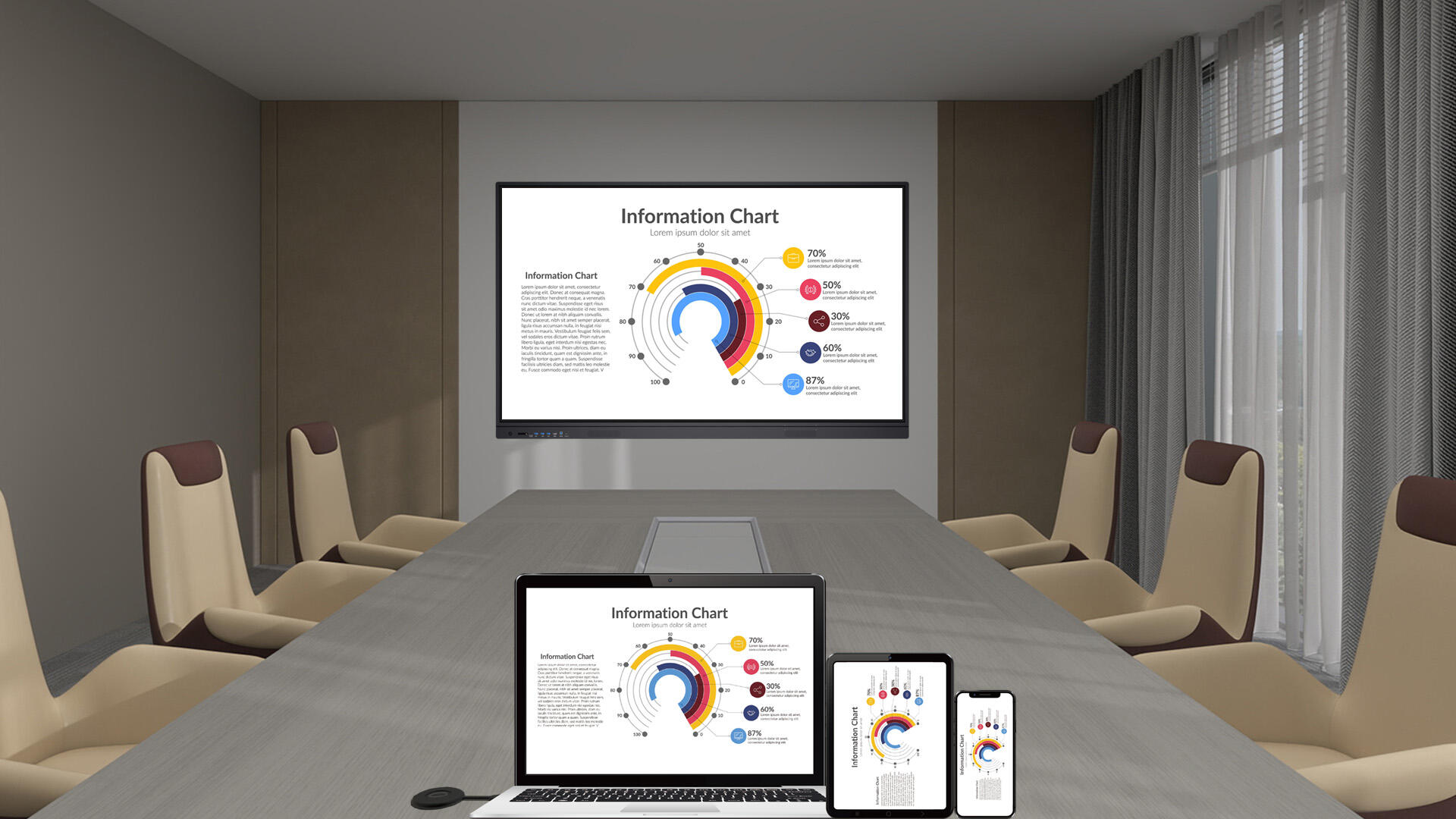
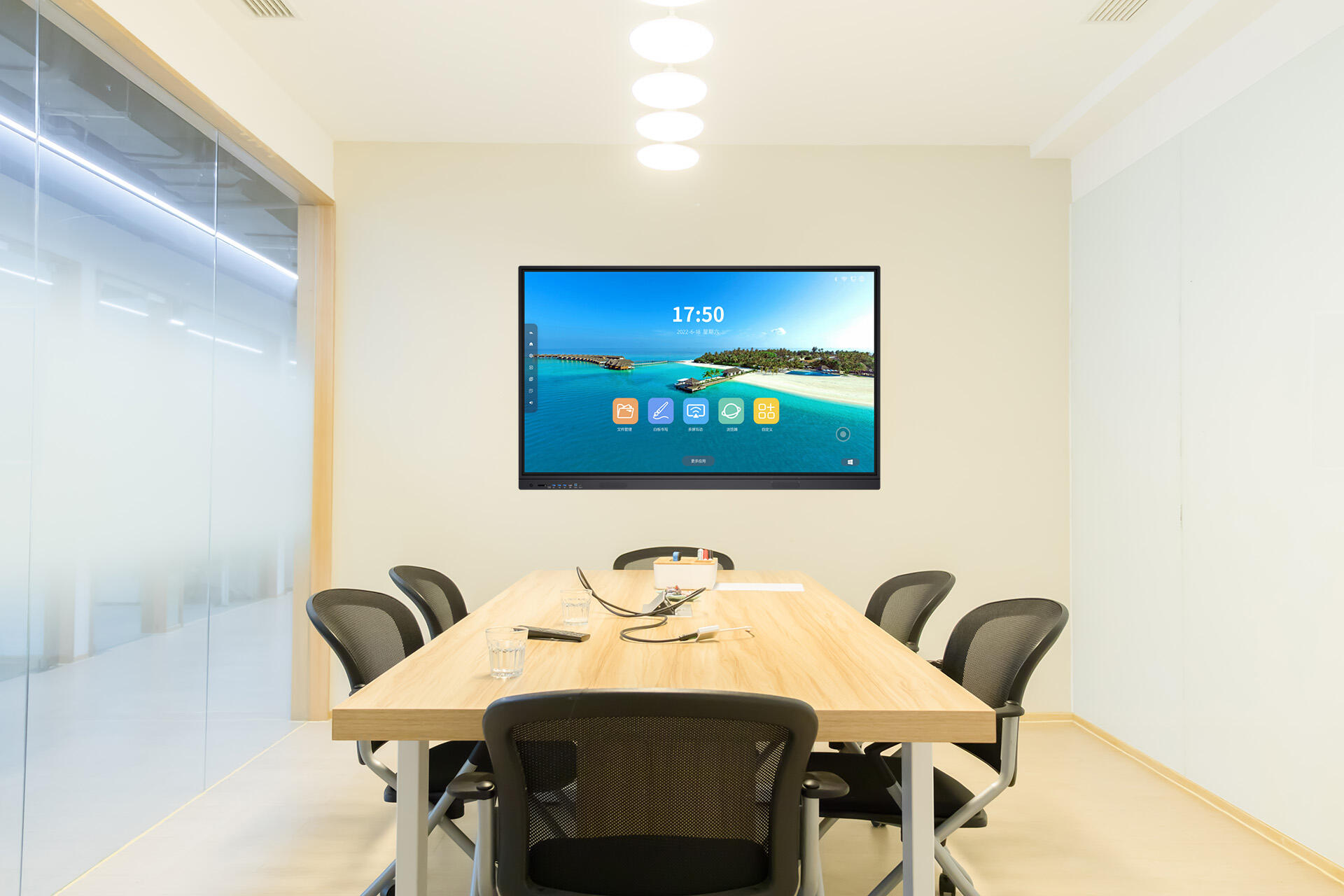
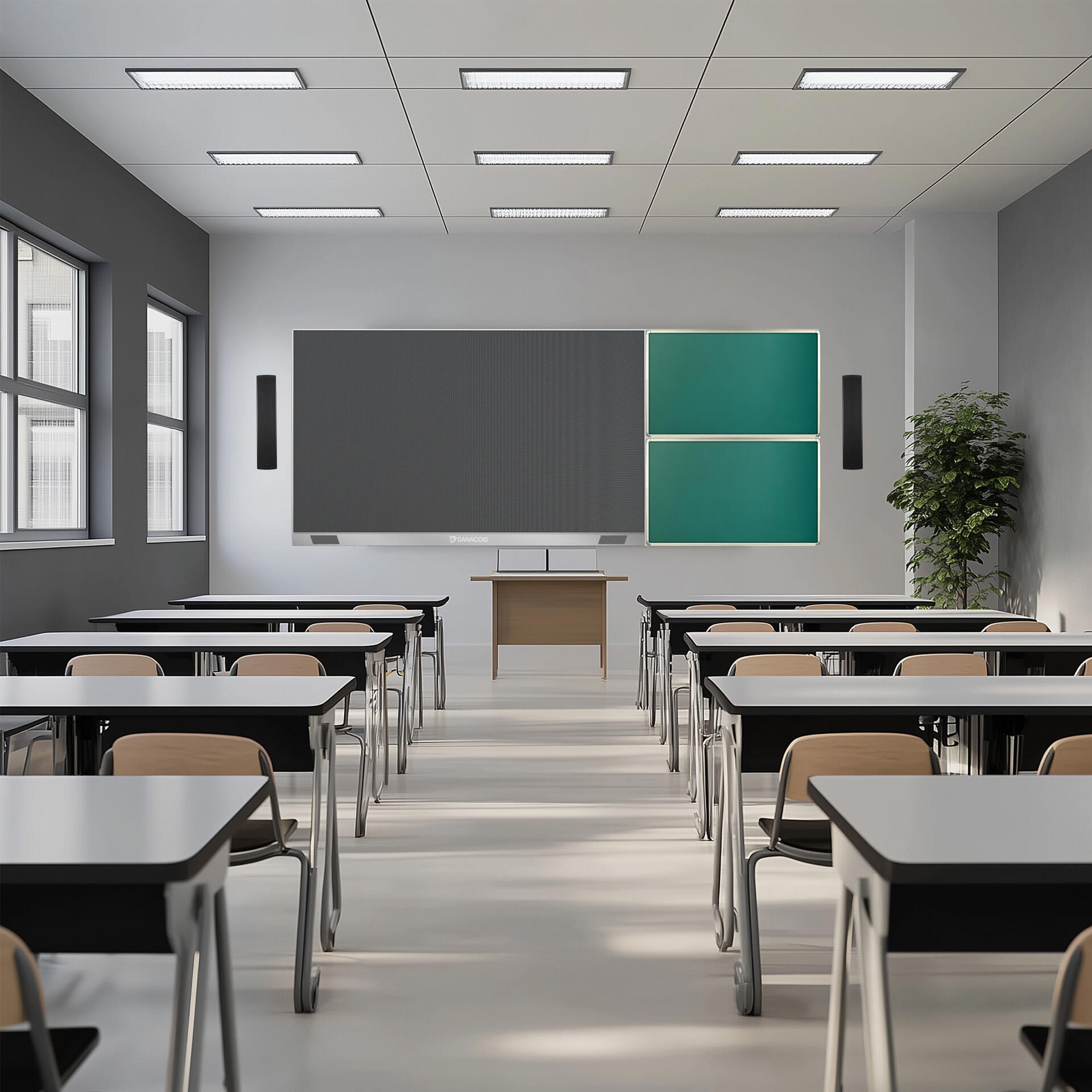
The smart interactive whiteboard represents a revolutionary advancement in presentation and collaboration technology, combining the functionality of traditional whiteboards with cutting-edge digital capabilities. This sophisticated device features a high-resolution touch-sensitive display that responds to both finger touch and specialized stylus input, enabling natural writing and drawing experiences. The board incorporates advanced optical sensors and infrared technology to ensure precise touch detection and minimal input lag. Supporting multiple touch points simultaneously, it allows several users to interact with the content at once, making it ideal for collaborative sessions. The device seamlessly integrates with various operating systems and software applications, offering compatibility with popular presentation tools and educational platforms. Built-in wireless connectivity enables instant content sharing and remote participation capabilities, while cloud integration ensures that all work can be saved, shared, and accessed from anywhere. The smart interactive whiteboard includes features such as handwriting recognition, gesture controls, and the ability to annotate over any content type, including documents, images, and videos. With its built-in speakers and microphone array, it also supports video conferencing and remote learning applications, making it a comprehensive communication hub for modern classrooms and meeting rooms.

New Product Releases

The smart interactive whiteboard offers numerous practical benefits that transform how people collaborate and present information. First, it significantly enhances engagement and participation by providing an intuitive, hands-on interface that encourages active involvement from all participants. The ability to save and share content instantly eliminates the need for manual note-taking and ensures that no information is lost, making meetings and lessons more efficient and productive. The multi-touch capability allows multiple users to work simultaneously, fostering genuine collaboration and group problem-solving. Integration with digital resources and the internet provides immediate access to a vast array of educational and professional content, enriching presentations and discussions. The boards versatility in handling different content types, from documents to multimedia, makes it adaptable to various teaching and presentation styles. Remote participation features break down geographical barriers, enabling seamless collaboration with distant team members or students. The interactive nature of the board helps maintain attention and improve information retention through visual and kinesthetic learning experiences. Environmental benefits include reduced paper waste and elimination of marker expenses. The boards durability and software updateability ensure a long-term return on investment, while its user-friendly interface minimizes the learning curve for new users. Advanced security features protect sensitive information, and built-in accessibility options make it usable for individuals with different abilities.

Tips And Tricks

What are the best all-in-one machines for graphic design and video editing?

10

Sep

What are the best all-in-one machines for graphic design and video editing?

Ultimate Guide to Powerful All-in-One Creative Workstations Creative professionals need robust, reliable machines that can handle demanding graphics and video workflows seamlessly. All-in-one machines for graphic design and video editing have evolved...
View More
How do you properly set up a USB microphone for optimal sound quality?

21

Aug

How do you properly set up a USB microphone for optimal sound quality?

How Do You Properly Set Up a USB Microphone for Optimal Sound Quality? Introduction to USB Microphone Setup The USB Microphone has become one of the most widely used audio tools in the digital era. From podcasters and streamers to remote workers and ...
View More
.What features should you look for in a USB microphone for voice recording?

21

Aug

.What features should you look for in a USB microphone for voice recording?

What Features Should You Look for in a USB Microphone for Voice Recording? Introduction to USB Microphones for Voice Recording USB Microphones have become a go-to choice for voice recording in various contexts such as podcasting, online teaching, gam...
View More
How to Choose the Best Loudspeaker System for Your Venue?

25

Sep

How to Choose the Best Loudspeaker System for Your Venue?

Understanding Professional Audio Systems for Venues Selecting the perfect loudspeaker system for your venue is a critical decision that impacts everything from audience experience to business success. Whether you're outfitting a concert hall, worship...
View More

Get a Free Quote

Our representative will contact you soon.
Email
Name
Company Name
Message
0/1000

smart interactive white board

Advanced Touch Technology and Precision

Advanced Touch Technology and Precision

The smart interactive whiteboard employs state-of-the-art touch detection technology that sets new standards for precision and responsiveness. The system utilizes advanced optical sensors combined with infrared technology to create an ultra-responsive touch surface that can distinguish between different types of input, whether its finger touches, palm rejection, or stylus interaction. This sophisticated technology enables writing and drawing that feels natural and immediate, with virtually no lag time between input and display. The board can recognize up to 20 simultaneous touch points, allowing multiple users to work together seamlessly. The pressure-sensitive surface provides varying line weights and styles, mimicking traditional writing tools while offering digital advantages. This precision is maintained across the entire screen surface, ensuring consistent performance regardless of where users interact with the board.
Comprehensive Software Integration

Comprehensive Software Integration

The smart interactive whiteboard features an extensive software ecosystem that maximizes its functionality and versatility. The system comes with proprietary software that includes a comprehensive suite of tools for creation, annotation, and content management. It seamlessly integrates with popular productivity suites, including Microsoft Office and Google Workspace, allowing users to interact directly with familiar applications. The software includes advanced features such as handwriting recognition in multiple languages, shape recognition for automatic straightening of drawn shapes, and intelligent object manipulation. Built-in templates and resources cater to various subjects and presentation needs, while the ability to import and export in multiple file formats ensures compatibility with existing content libraries. The software also includes lesson planning tools, assessment features, and analytics capabilities for educational settings.
Cloud Connectivity and Remote Collaboration

Cloud Connectivity and Remote Collaboration

The smart interactive whiteboard excels in facilitating remote collaboration through its advanced cloud connectivity features. The system integrates seamlessly with popular cloud storage services, enabling automatic backup and synchronization of all content created on the board. Users can instantly share sessions in real-time with remote participants, who can view and interact with the content through their own devices. The boards video conferencing capabilities include HD cameras, noise-canceling microphones, and high-quality speakers, creating an immersive remote collaboration experience. The multi-user functionality extends to remote participants, allowing them to contribute to sessions as if they were physically present. Security features ensure that shared content remains protected, with options for encryption and access control. The system also includes features for recording sessions, automated meeting minutes, and session playback, making it easy to review and share collaborative work after the fact.

Get a Free Quote

Our representative will contact you soon.
Email
Name
Company Name
Message
0/1000